Every business phone produces call details: who was called, when, for how long and what happened. On a personal phone that history sits in the dialer and gets deleted. For a sales team, it is some of the most useful data you have. A call detail application collects those details from every team phone in one place, so you can see the full call log, duration and history without asking anyone for a report.
This guide explains what a call detail application records, how it differs from the phone’s own call history, and how to use it as a call log monitor for your team.
What is a call detail application?
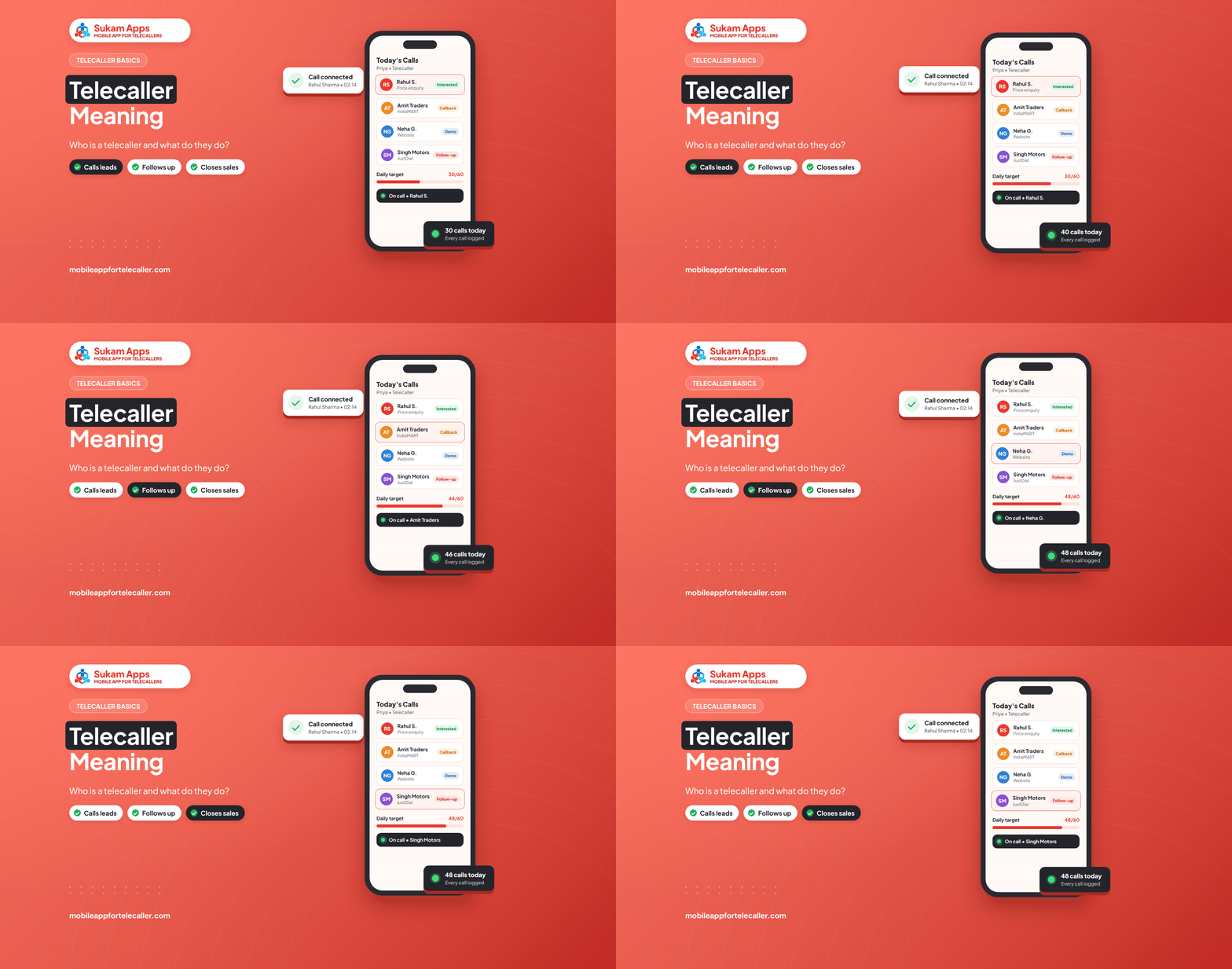
A call detail application is software that records the details of every call made or received on a phone and stores them in a searchable log. For businesses, the useful version runs on each team member’s phone and sends the call details to a shared dashboard, where the owner or manager can see call logs, call duration and call history per person and per customer.
What a call detail application records
- Number and contact name – matched to the lead or customer where possible.
- Date and time of every call.
- Call type – incoming, outgoing, missed or rejected.
- Duration – how long the conversation actually lasted.
- Recording – on supported Android phones, if call recording is switched on.
- Outcome and notes – for example Interested, Call back or Not interested, with the next follow-up date.
Phone call history vs a call detail application
| Built-in phone call history | Call detail application | |
|---|---|---|
| Where the data lives | On one phone only | On a shared dashboard for the whole team |
| History kept | Until it is cleared or the phone changes | Kept with the customer record |
| Duration and talk-time | Per call, on that phone | Per call, per employee and per day |
| Link to customer | No | Yes, each call is linked to the lead |
| Reports | None | Daily and weekly summaries |
| Missed-call follow-up | Manual | Missed calls flagged and assigned |
Why businesses use a call log monitor
Know what the team did today
A call log monitor shows how many calls each person dialed, how many connected and the total talk-time, without anyone filling in an Excel sheet at 7 PM.
Recover missed calls
Missed calls from customers are flagged and assigned, so someone calls back. For businesses that get leads from IndiaMART, TradeIndia or Justdial, a missed call is often a lost order.
Coach with real calls
With call recordings attached to each lead, a manager can listen to a few calls a day and help a new telecaller improve, based on what was actually said.
Keep the history when staff leave
When the call details live on the customer record and not on one person’s phone, a new team member can see the full call history and pick up where the last person stopped.
How to read call details: 5 numbers that matter
- Calls dialed – effort. Low numbers usually mean idle time or manual dialing.
- Connected calls – reach. Compare this with calls dialed to spot bad lead lists or wrong calling hours.
- Total talk-time – real conversation time per person per day.
- Average call duration – very short calls often mean the opening line needs work.
- Missed calls not returned – the number that should be zero by the end of the day.
For a ready template, see our telecaller daily report format and the guide to telecaller performance KPIs.
Privacy and consent
Use a call detail application only on business phones and business SIMs, tell your team what is tracked, and inform customers when calls are recorded. Good apps let you exclude personal SIMs and mask numbers. Read more in how to track telecaller calls legally in India.
Sukam Tele CRM as your call detail application
Sukam Tele CRM is a SIM-based Android app that works as a call detail application and call log monitor for sales teams. It logs incoming, outgoing and missed calls with duration and outcome, records calls on supported Android phones, links every call to the lead and emails a daily summary to the owner. It uses the SIM already in the phone, so there is no virtual number to buy.
- See the full feature list on the call tracker app page.
- Monitoring a telecalling team? See the employee call tracking app.
- Leads from IndiaMART, TradeIndia and Justdial are captured automatically into the telecalling CRM.
Try it free for 7 days. Start your free trial or call / WhatsApp 99142 49191. On-site setup and training in Punjab, Chandigarh, Haryana, Delhi NCR and Himachal; online everywhere else in India.
Frequently asked questions
What is a call detail application?
A call detail application records the details of every call on a phone, including number, time, call type, duration and, on supported phones, the recording, and stores them in a searchable log. Business versions send these details from every team phone to one dashboard.
What is a call log monitor?
A call log monitor is a tool that shows the call logs of several business phones in one place, with call counts, talk-time and missed calls per person, so a manager can see team activity without manual reports.
Can a call detail application show call duration and history?
Yes. It shows the duration of each call, total talk-time per day and the full call history for each customer or lead.
Does Sukam Tele CRM need a virtual number?
No. It works on the SIM already in each Android phone. Customers see the normal mobile number.
Does it work on iPhone?
No. Sukam Tele CRM is an Android app.