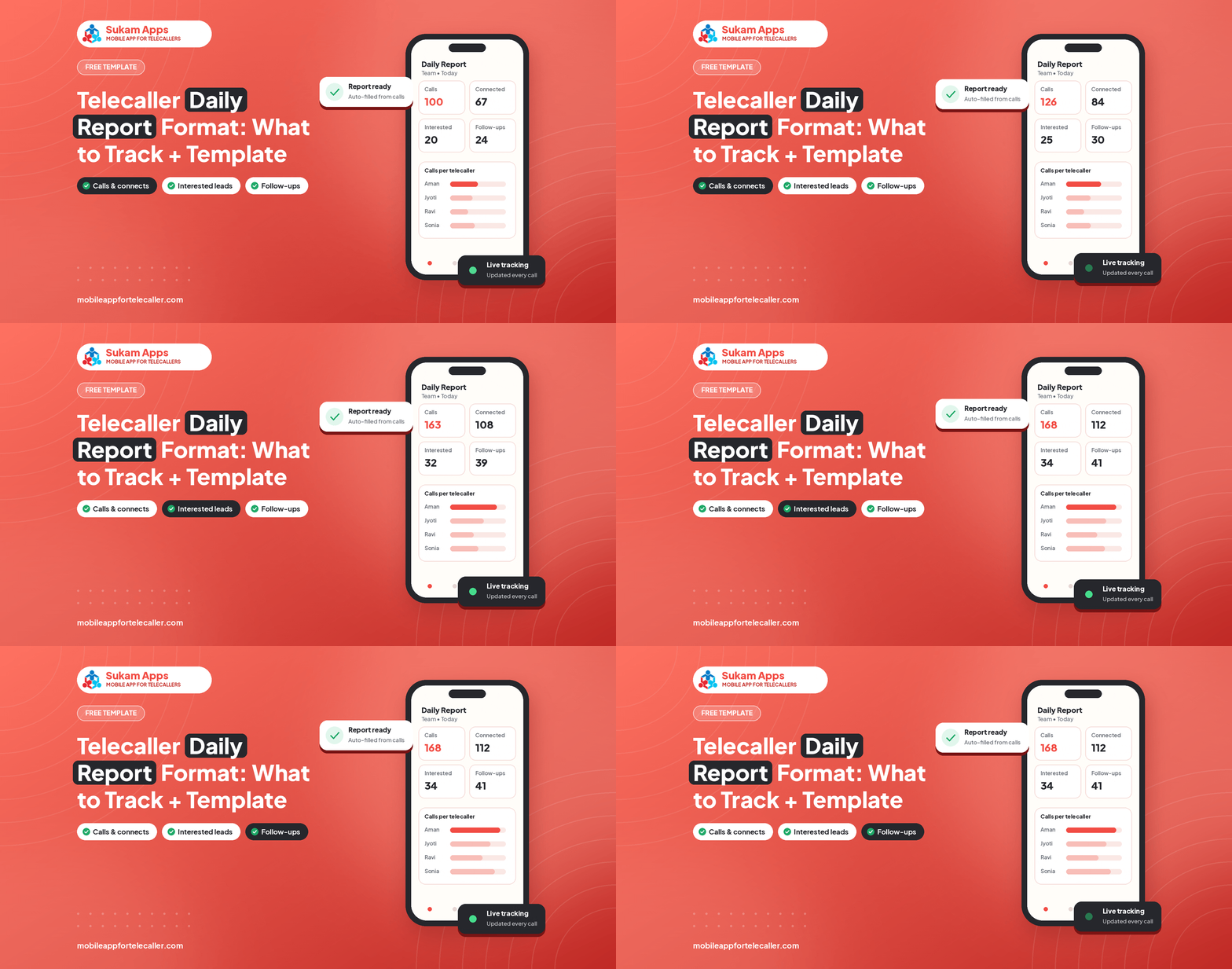
A good daily report takes the owner two minutes to read and tells them exactly where to coach. Most reports fail because they track too much or are typed by hand at the end of the day. Here is a format that works for a team of 2 to 20.
The 10 numbers to track
- Total calls dialed
- Connected calls
- Missed or unanswered calls
- Total talk-time
- Average talk-time per connected call
- Fresh leads called
- Follow-ups due and follow-ups done
- Interested leads
- Site visits, demos or meetings booked
- Conversions or sales closed
Copy-ready template
Create one row per telecaller per day with these columns: Date, Telecaller, Dialed, Connected, Talk-time (minutes), Fresh leads, Follow-ups due, Follow-ups done, Interested, Meetings booked, Closed, Remarks.
How to read it in two minutes
- Connected divided by dialed shows list quality and calling hours.
- Talk-time per connected call shows how long conversations last.
- Follow-ups done versus due shows discipline.
- Interested to meetings booked shows closing skill.
Why typed reports go wrong
When telecallers type their own numbers, the report is late, rounded up or forgotten. Numbers should come from the phone call log and the CRM status, not from memory.
Automating the report
A SIM-based CRM reads the call log, adds the status updates and emails the owner a daily report automatically, per telecaller. That is how Sukam Tele CRM works, and it frees about half an hour a day for whoever used to make the report.
Weekly review
Once a week sit with each telecaller for ten minutes: look at their numbers, play one good and one weak recording, and agree one thing to improve next week.
See this running on your own lead list
Sukam Tele CRM runs on your telecallers’ own SIMs: auto dialer, call recording, follow-ups and a live owner dashboard. 7-day free trial, setup done by our team.
Related: Telecaller daily report app · Employee call tracking app