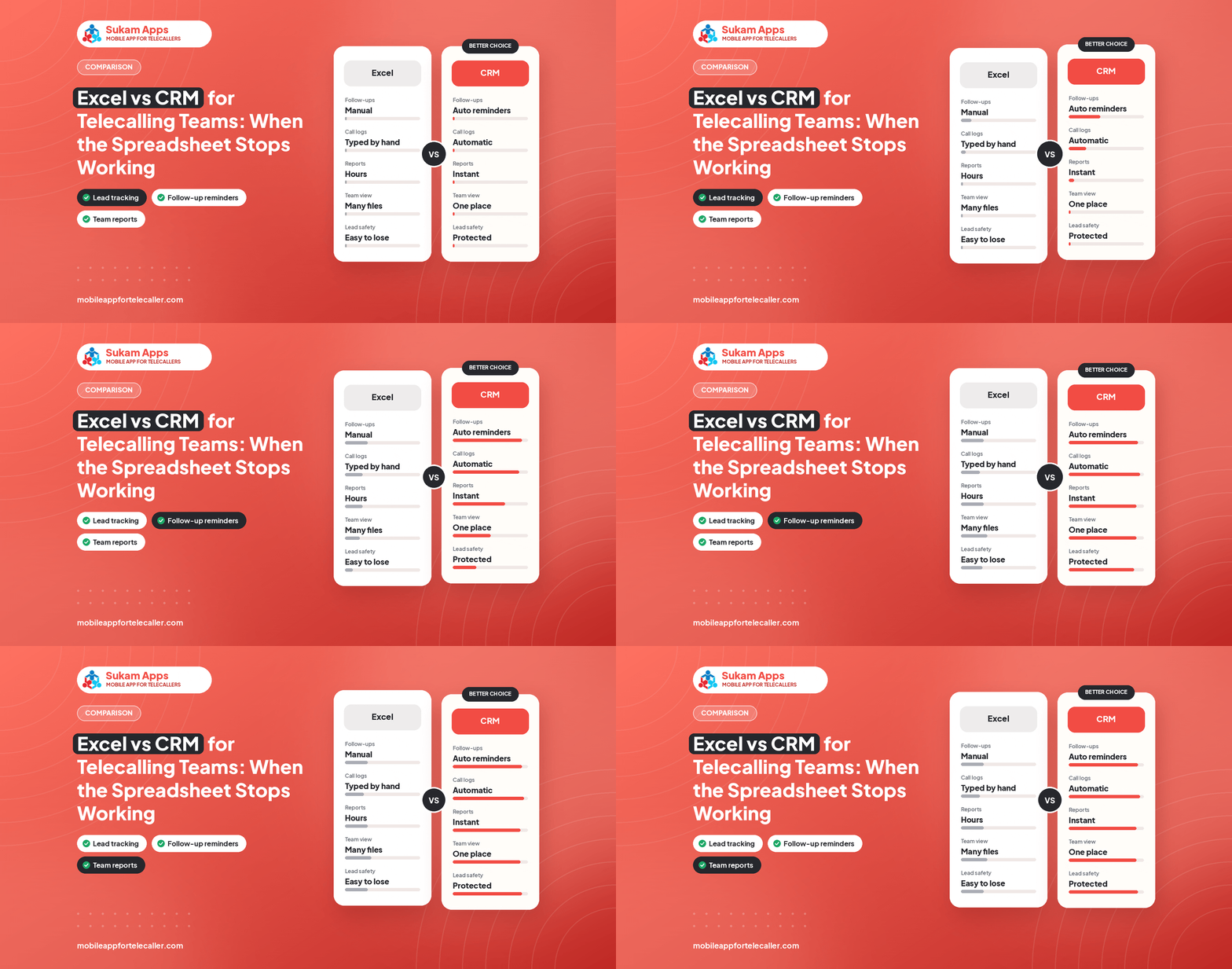
Spreadsheets are free and familiar, which is why most telecalling teams start there. The trouble is that Excel has no memory of calls, no reminders and no way to stop two people editing the same row.
Where Excel works
- One or two telecallers.
- A short list that does not change often.
- No need to check what was said on calls.
Signs you have outgrown it
- Two people call the same lead.
- Follow-up dates live in someone head.
- You cannot tell how many calls were made today.
- Different versions of the sheet circulate on WhatsApp.
- A resignation means losing the sheet.
- Leads from portals are copied in by hand.
What a CRM changes
- One live list for everybody, with an owner for each lead.
- Calls logged automatically with duration and recording.
- Follow-up reminders on the telecaller phone.
- Automatic assignment from portals and ads.
- A report for the owner without anyone typing it.
How to switch without pain
- Clean your sheet and keep key columns: name, phone, source, status, last remark.
- Import it to the CRM with field mapping.
- Run one pilot week with two telecallers.
- Retire the sheet and keep a read-only backup.
Sukam Tele CRM imports Excel or CSV in a few clicks, and our team sets up the first import with you.
See this running on your own lead list
Sukam Tele CRM runs on your telecallers’ own SIMs: auto dialer, call recording, follow-ups and a live owner dashboard. 7-day free trial, setup done by our team.
Related: Telecalling CRM · Protect lead data